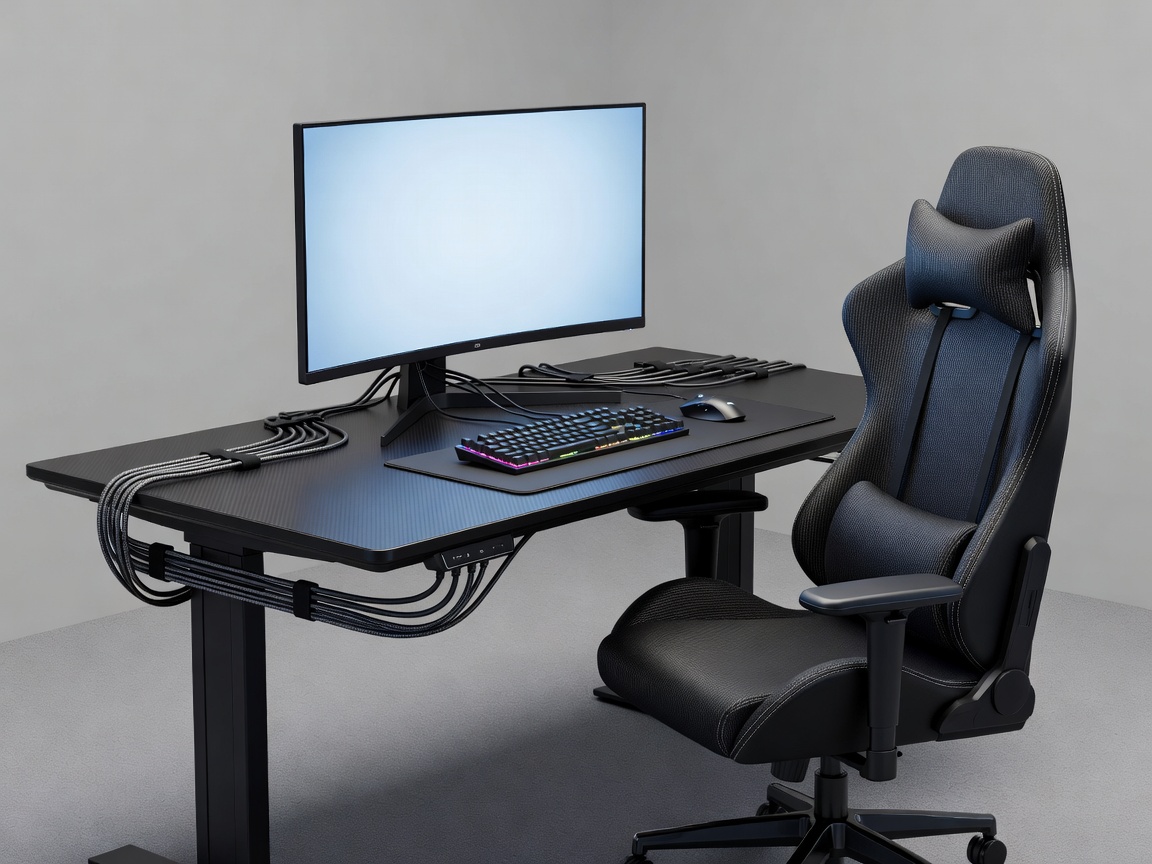
Set a dependable baseline
A player station is a small environment with many interdependent parts. A desk may fit the room while leaving insufficient space for a chair to move. A display may be visible from one position but difficult to adjust for another player. A power strip can solve a connection problem while creating a cable hazard beneath the desk. Good planning starts with a full inventory of the tasks, people and equipment the station must support.
List the computer or console, displays, input devices, headset, chair, desk, power needs, network connections and any equipment specific to the team. Confirm dimensions and connection requirements with suppliers or technical staff. Do not assume that similarly named devices have identical footprints or power demands. Leave room for ventilation as required by the equipment manufacturer, and consider where staff can reach the device for maintenance without disturbing adjacent players.
Arrange for fit, comfort and sightlines
Comfort depends on how the person and equipment relate, not on one ideal measurement applied to everyone. Provide an adjustable chair where possible and test the desk height, display position, input reach and leg clearance with intended users. Make sure the chair can move back and that players can enter and leave without squeezing past another occupied station. Consider differences in body size and preferences, and establish an adjustment process rather than assuming a fixed setup suits all.
Display placement should be checked from the player’s normal position. Avoid obvious glare and consider reflections from windows, overhead lighting and glossy surfaces. If stations are arranged in rows, test whether neighboring screens or activity create visual distraction. Small changes to orientation, spacing or a divider may help, but partitions should not obstruct supervision, ventilation or communication. Confirm the final layout in the real space when possible.
Input devices and everyday accessories should be reachable without forcing awkward movement. Provide a clear, stable surface and avoid overfilling the desktop with items that are not used during the session. If players bring personal peripherals, decide where they are stored when not in use and how they are connected. A common naming or labelling scheme can help staff locate a station and return it to its standard arrangement.
Design cable routes for real maintenance
Cable management should make connections safe and understandable, not merely invisible. Plan separate, secure routes for power and data according to applicable requirements and advice from qualified installers. Keep cables away from footpaths, chair wheels and areas where equipment is regularly moved. Avoid tight bends, unsupported bundles and hidden connections that cannot be inspected. Provide enough slack for adjustment without leaving loops that catch or tangle.
Label both ends where it helps staff identify a connection. Keep power and network access points reachable, and document which sockets or ports serve each station. If a desk system includes trays or channels, confirm that the covers can be removed and that cables can be replaced without dismantling the furniture. A neat-looking installation is not successful if a simple repair takes the station out of service for too long.
Plan for the route from the room’s infrastructure to the individual station. Network switches, access points and electrical distribution should be placed and specified by appropriate professionals. Include ventilation, load, capacity, protection and future maintenance in the conversation. The layout document should indicate intended connections and service zones, but it should not substitute for a qualified technical design.
Build repeatability into the arrangement
Consistency helps a team find equipment, conduct checks and identify problems. Number stations visibly and use a simple inventory that links each position to its computer, display, network connection and accessories. A standard reset might include checking cables, returning chairs, clearing surfaces and verifying that devices are ready for the next block. Keep that procedure practical enough to happen consistently.
Storage should be assigned rather than improvised. Spare headsets, peripherals, cleaning materials and personal items each need an appropriate home. Avoid storing equipment on the floor or in front of access panels. Keep the station’s immediate working area clear, and locate shared supplies where they can be reached without crossing live play unnecessarily.
Test the layout before it becomes permanent
Make a full-scale mock-up with tape, temporary furniture or a representative station. Sit down, adjust the chair, move through entry and exit, reach the connections and imagine a repair. Repeat the test with adjacent positions occupied. Ask players and technical staff what feels awkward or difficult to service. This modest review can identify problems that a neat top-down drawing conceals.
Finally, write down the decisions and the open questions. Record the equipment assumptions, power and network requirements, clearance needs, cable paths and person responsible for confirming each item. Review the arrangement after it has been used. Hardware changes, team size and routines evolve; a documented baseline makes those changes easier to assess without losing the practical logic of the original setup.
Station checklist
- Does the station fit the player, equipment and movement space?
- Can cables be inspected, labelled and serviced safely?
- Are spare equipment and personal belongings stored deliberately?
- Have technical requirements been confirmed by qualified staff?