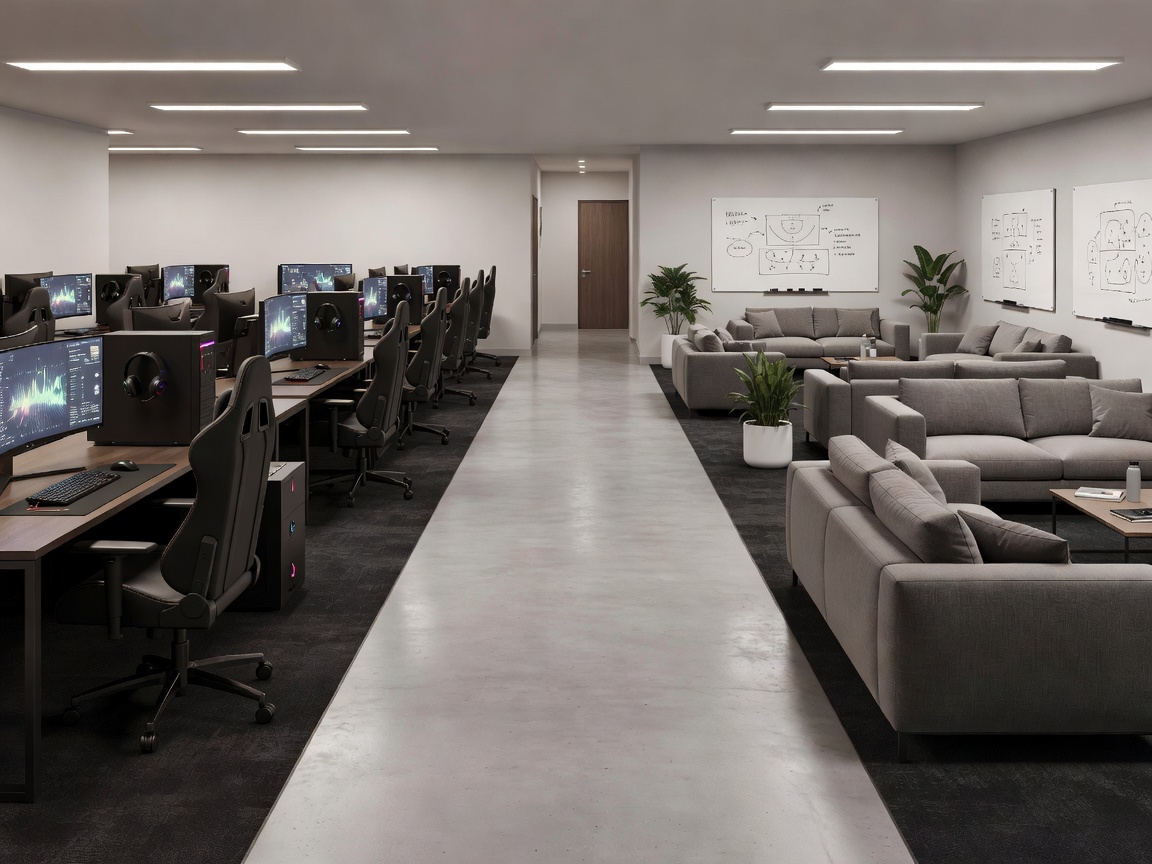
Design the handoffs, not just the rooms
Bootcamp programs often concentrate on the central practice room because it contains the most visible equipment. Yet a team day also depends on what happens immediately before and after practice. A player who needs to find a coach, refill water, move to review or take a quiet break should not have to navigate a confusing route through active play. These small transitions accumulate over a long day and can either make the facility feel composed or continually interrupt it.
Map the most frequent journeys first. Mark the route from arrival to the player station, station to shared review, review to meal or hydration, and practice to recovery. Then note which routes are used simultaneously. A corridor that seems adequate on an empty plan may become a pinch point when several players move at once or equipment needs servicing. A schedule and a route diagram should therefore be reviewed together, not as separate documents.
Use adjacency with intention
Close adjacency is useful when people need to move quickly between two activities. Practice and review may benefit from a short, obvious connection, particularly when a coach is translating a live session into a shared discussion. But closeness does not require one room to do everything. A distinct threshold can preserve a change of attention while keeping the transition practical. Consider a door, small buffer or visual break that tells players they have moved from performance to reflection.
Recovery has a different adjacency logic. It should remain convenient enough to use, but protected from loud callouts, equipment deliveries and the visual pull of active screens. The best route to a reset space is not necessarily the shortest line on a drawing: a quiet, legible path can be more useful than a shortcut through the busiest zone. Think about door swings, sightlines, acoustics and whether someone can pause without becoming an obstacle.
Make support routes work too
Players are not the only users. Coaches need access to shared displays and notes; technical staff need safe access to power, network equipment and peripherals; cleaners need workable clearances; visitors may need to enter without crossing a live practice block. Include these routes early. If maintenance access is treated as an afterthought, cables and replacement hardware are more likely to spill into circulation. Keep service edges visible in the plan and avoid using player movement paths as the only route for deliveries.
Agree a few principles with the team: which activities require low interruption, what conversations are confidential, how equipment is checked, and who is responsible for resetting shared areas. These are operational decisions, but they shape the physical plan. A clearly assigned storage point can prevent cases from appearing beside chairs; a defined review setup can reduce repeated furniture moves; a consistent end-of-day reset makes the next morning easier to begin.
Test the route with a real session
Before committing to a final layout, conduct a tabletop walkthrough using a realistic schedule and the expected number of occupants. Follow one player, then a coach, then a technical support person. Ask where each person pauses, what they need to carry and what they can see or hear. The exercise does not need specialized software. A printed plan, movable notes and honest questions are enough to expose unclear transitions.
Finally, treat the facility as a working system that can be reviewed. Record recurring friction, such as noisy overlap, blocked storage or a review session that starts late because the display is difficult to use. Revisit the operating routine and the layout together. The purpose is not to impose one ideal arrangement on every team; it is to make the day understandable, repeatable and supportive of focused work, collective learning and rest.
Decision checklist
- Can a new player understand where to go next?
- Are quiet routes separate from busy service and visitor routes?
- Can the room shift from practice to review without a disruptive reset?
- Have power, network, storage and maintenance access been considered?